Failed Transactions, Rummy Circle
A practical guide to failed transactions for rummy circle: the steps, the limits and the common mistakes.
What Is a Failed Transaction on Rummy Circle?
A failed transaction on Rummy Circle occurs when a deposit or withdrawal does not complete successfully. In a deposit failure, money leaves your PhonePe, Google Pay, or BHIM wallet but your Rummy Circle wallet balance stays unchanged. In a withdrawal failure, an approved cashout never reaches your bank account within the stated 24 to 72 hour window.
Common causes include bank server timeouts during peak hours, an incorrect UPI PIN, exceeding the ₹1 lakh daily UPI limit, an expired debit card, or a KYC name mismatch between your Rummy Circle profile and your bank account. When a deposit fails, the payment gateway, Razorpay or Cashfree, automatically refunds the amount within 5 to 7 working days. If the refund does not arrive after that period, you must raise a manual dispute via rummycircleapp.org.
Failed Transactions Step by Step on Rummy Circle
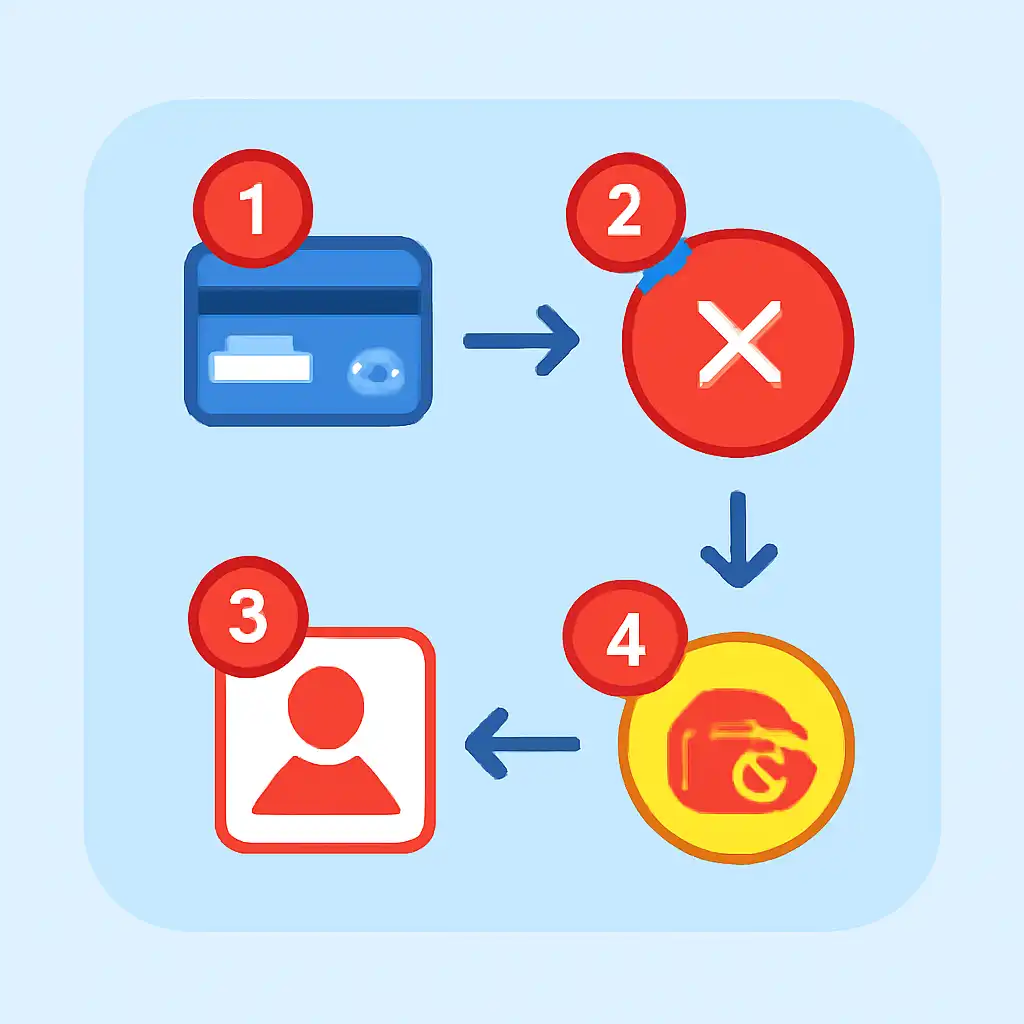
Step 1, Confirm the debit: Check your bank SMS or UPI app to see whether the amount was deducted. Note the 12-digit UTR number from the debit alert, this is your primary proof. Step 2, Check status: In the Rummy Circle app, go to My Account → Transaction History. A "Pending" status means the gateway is reconciling; wait up to 30 minutes. A "Failed" status means an automatic refund has been queued.
Step 3, Raise a ticket: If 7 working days pass without a refund, go to Help & Support → Payment Issue → Deposit Not Credited, paste the UTR number, and attach a bank statement screenshot. Step 4, Verify banking details: For withdrawal failures, confirm your IFSC code and account number under My Account → Banking Details match your bank records exactly. A single-digit mismatch causes IMPS transfers to bounce.
Failed Transactions Tips and FAQs
Tip 1, Prefer IMPS over UPI for withdrawals above ₹50,000; IMPS is less prone to gateway congestion during peak evening hours. Tip 2, Use a stable Wi-Fi or 4G connection; a dropped connection mid-payment is the most common cause of stuck-pending deposits on rummy circle. Tip 3, Keep your KYC details current; a name discrepancy between your PAN card and bank account is the top reason Rummy Circle withdrawal requests are rejected.
FAQ, Will I lose money if my deposit fails? No. If your bank is debited but the wallet is not credited, an automatic refund follows within 5 to 7 working days. FAQ, How do I track the refund? Your UPI app, PhonePe, Google Pay, or BHIM, will show the incoming credit, and your bank SMS alert will confirm receipt.
Failed Transactions on Mobile
On Android, failed transactions on Rummy Circle are often caused by the OS killing the payment app in the background mid-authentication. Fix this by disabling battery optimisation for PhonePe, Google Pay, or your bank's UPI app under Settings → Battery → App Launch before making large deposits. On iOS, grant full background app refresh permission to your UPI app so the payment handshake completes without interruption.

If a transaction gets stuck on the payment screen, do not tap Back or close the rummy circle app. Wait 60 seconds, then check Transaction History, the payment will appear as either "Success" or "Failed" with a refund queued automatically. Never re-initiate the same payment immediately; duplicate attempts during a pending window can temporarily lock your UPI ID and delay resolution by up to 48 hours.