Android APK Install, Rummy Circle
Android apk install for rummy circle: requirements, timings, costs and what to do when something goes wrong.
What is Android APK Install?
An Android APK install is the process of sideloading an app onto your Android device directly from an APK (Android Package Kit) file, bypassing the Google Play Store. For Rummy Circle, sideloading is the standard route, real-money rummy apps are restricted from the Play Store under Google's India policy, so the APK has to come from Rummy Circle's own website rather than from Google Play.
When you tap the download button, your browser fetches the signed .apk package from Rummy Circle's servers. Android's built-in package installer then reads the app manifest, verifies the developer signature from Play Games24x7 Pvt. Ltd., and places the app in your app drawer, identical in behaviour to any Play Store title once installed. The one extra step compared with a Play Store install is enabling the Install unknown apps toggle for your browser; this takes under thirty seconds and can be switched off again immediately after installation completes.
Android APK Install Tips and FAQs
Before tapping download, confirm your device runs Android 5.0 or higher and has at least 150 MB of free storage: the APK is roughly 65 MB, and Android needs extra headroom to unpack it. Use a stable Wi-Fi connection; a dropped mobile-data session mid-download corrupts the file and forces a full re-download.
Only download from Rummy Circle's official website. Third-party mirror sites frequently bundle modified APKs. After install, go to Settings → Apps → Rummy Circle → App info and confirm the publisher reads Play Games24x7 Pvt. Ltd. For updates, download the latest APK from the same page and tap install, Android performs an in-place upgrade that preserves your account balance and bonus history without requiring an uninstall first.
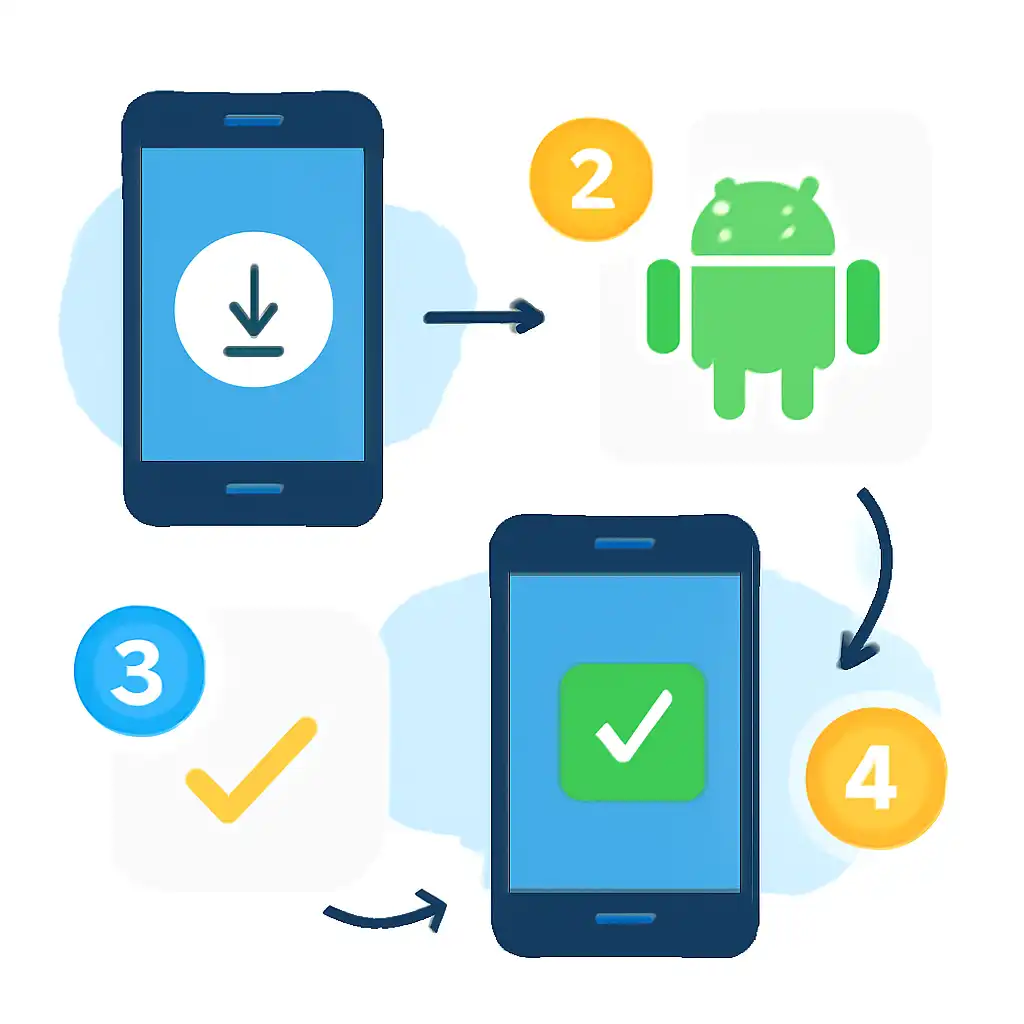
On Xiaomi, Realme, and Vivo devices, aggressive battery-saver modes can interrupt installs. Disable battery saver for the duration, then re-enable it afterwards. Rooted devices may trigger Rummy Circle's anti-fraud checks, so install on a standard, non-rooted handset to avoid account restrictions.
Android APK Install on Mobile
Open Chrome on your Android phone and navigate to rummycircleapp.org. Tap Download APK. When the browser shows the warning "This type of file can harm your device", tap Download anyway: this is a standard Android prompt for all sideloaded files, not specific to Rummy Circle.
Once the download finishes, pull down your notification shade and tap the completed APK entry. If the Install unknown apps permission is not yet enabled, tap Settings in the prompt, toggle Allow from this source to ON, then press back, the installer resumes automatically. Tap Install, wait five to ten seconds for the package to unpack, then tap Open to reach the login screen. No PC, no cable, and no extra software required.