App Update Problems, Rummy Circle
App update problems for rummy circle: requirements, timings, costs and what to do when something goes wrong.
What is App Update Problems?
App update problems on Rummy Circle refer to any failure, interruption, or error that occurs when downloading, installing, or launching the latest APK from rummycircleapp.org. Because rummy circle is not listed on the Google Play Store, every update is a manual process, no background pipeline handles it for you. Players must visit the site, download the new APK file, and install it themselves each time a new version is released.
The most common failure types are: downloads stalling at 0% or 99% on congested Jio or Airtel mobile data; Android blocking installation because "Install Unknown Apps" is not enabled for the correct app; version conflict errors where the old build was not removed cleanly; and force-close crashes on first launch caused by cached data from the previous version that is incompatible with the new build structure.
Storage shortage is another frequent culprit. The Rummy Circle APK typically runs between 80 MB and 120 MB, and Android requires roughly double that free space, once for the download and once for extraction during installation. Devices with 32 GB internal storage packed with photos and videos regularly hit this wall. Identifying which failure type applies to you immediately narrows the fix to one targeted step.
App Update Problems Tips and FAQs
Q: The APK download keeps failing, what should I do? Switch from mobile data to a stable Wi-Fi connection. BSNL broadband or Airtel Xstream Fiber often succeeds when Jio 4G throttles large APK files. Use Chrome's built-in download manager rather than UC Browser or Opera Mini, which handle partial downloads less reliably. If the file arrives corrupt, clear Chrome's cache under Settings → Apps → Chrome → Storage, then retry the download from scratch.
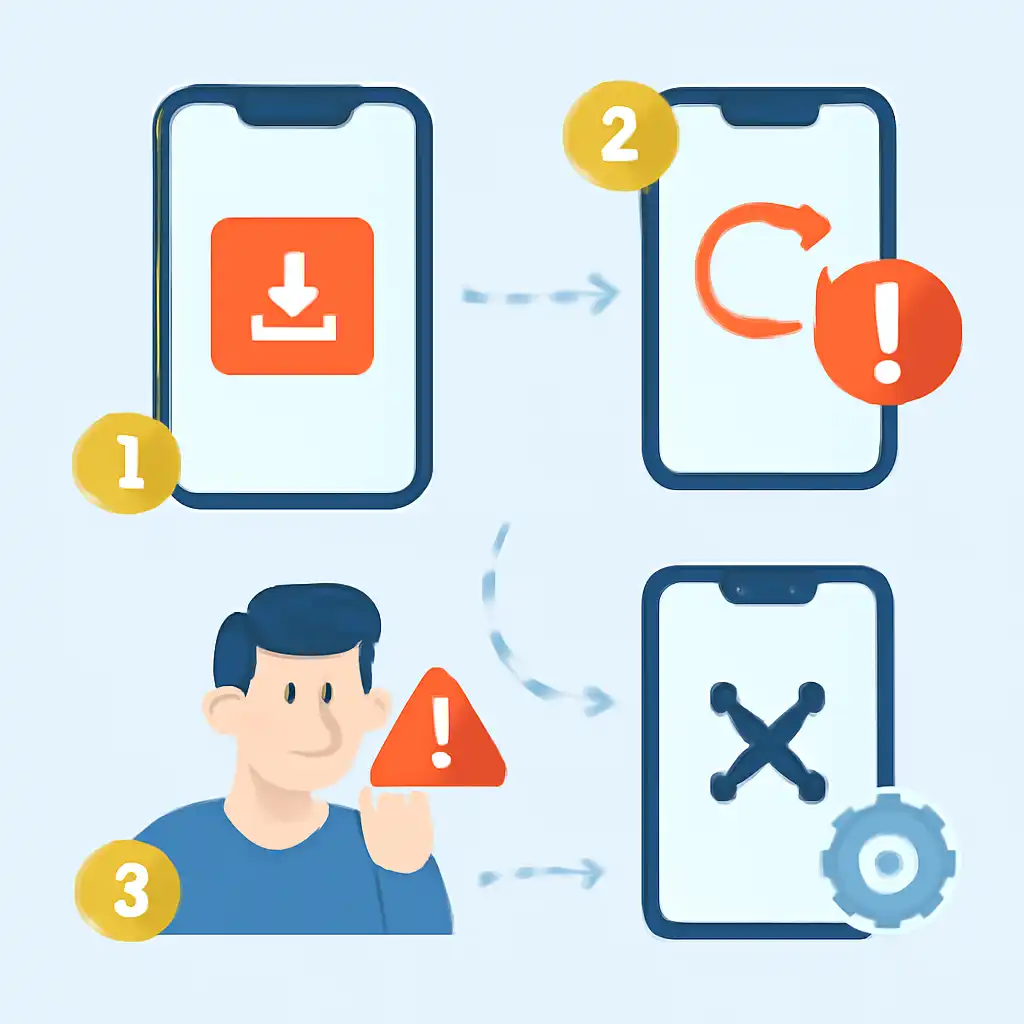
Q: Android shows "Installation blocked", how do I resolve it? Navigate to Settings → Apps → Special App Access → Install Unknown Apps. Find the specific app you used to open the APK, Chrome, Files by Google, or your device's default file manager, and toggle "Allow from this source" to on. This permission must be granted to the app that launches the installer, not set globally. Once installation finishes, toggle the permission back off for security.
Q: The app crashes immediately after updating, what now? Go to Settings → Apps → Rummy Circle → Storage → Clear Cache. Avoid "Clear Data" unless you are prepared to log in again from the beginning. A cache-only wipe removes stale files from the old version without deleting your saved credentials. Relaunch the app; this resolves the majority of post-update force-close errors within one attempt.